Overview
How it works
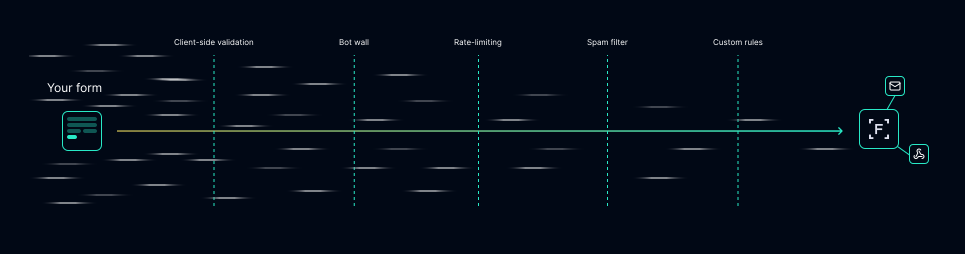
We run multi-level algorithms at every step that a request takes towards your services.
Simple bots never get through, and spam gets put in quarantine.
Simple bots never get through, and spam gets put in quarantine.
Set up
Easy installation
Use your existing form, just add a few settings and you're ready to go.
Set up your form
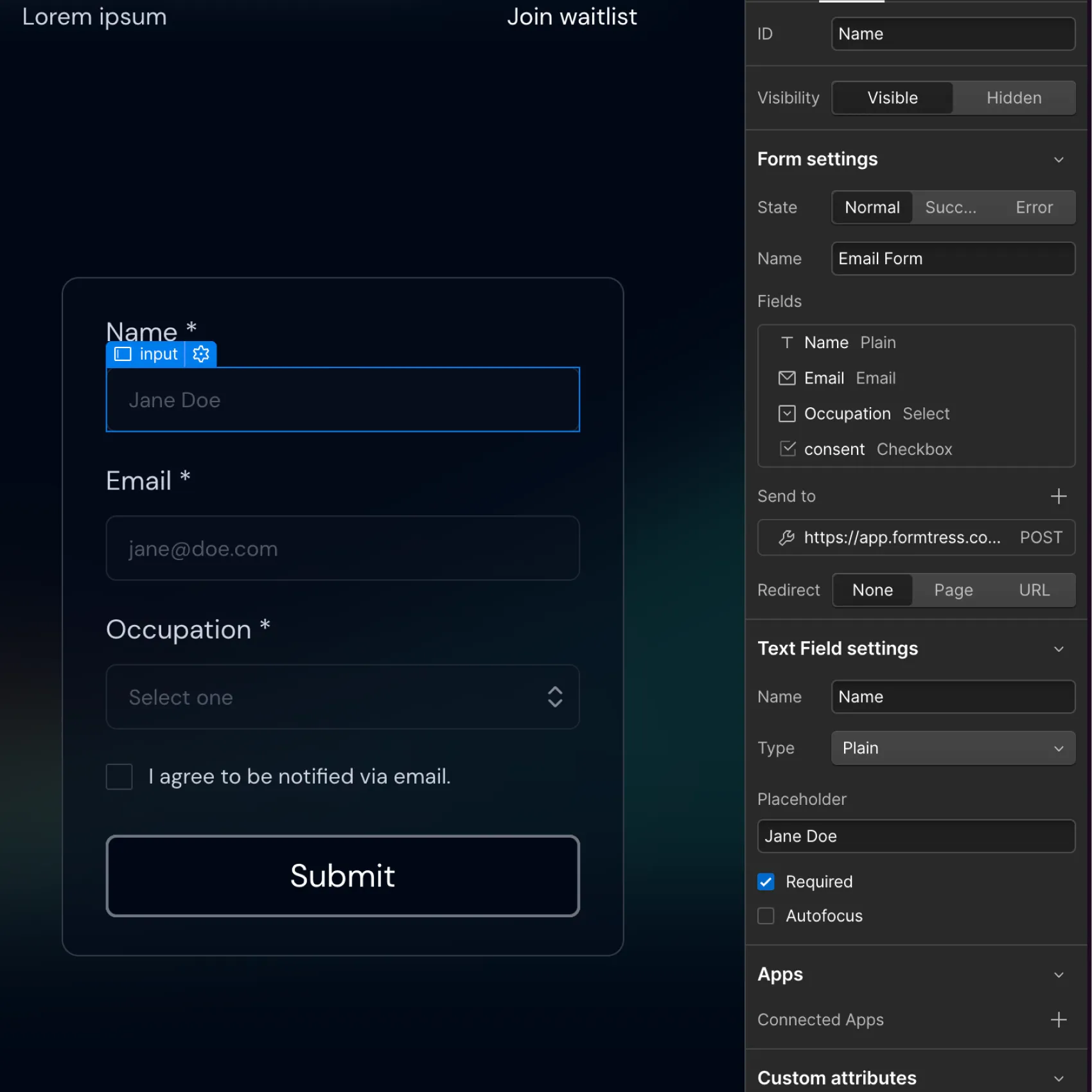
Create your form in Webflow with complete flexibility. You get full design freedom over the look and function of your form while we handle the protection!


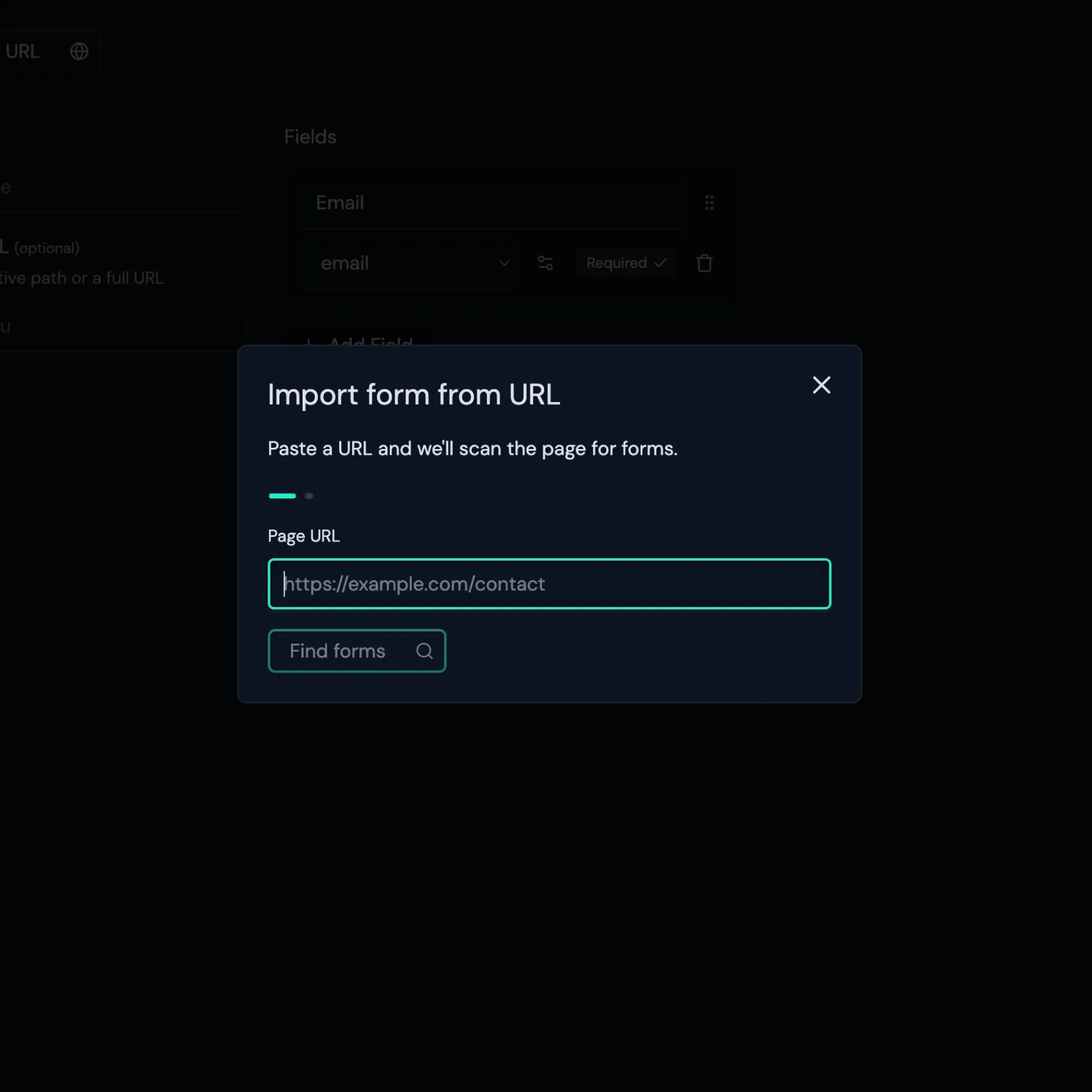
Import to Formtress
Click "Add from URL" and paste, then you can set powerful restrictions and customizable rules for the submissions you will receive and filter.
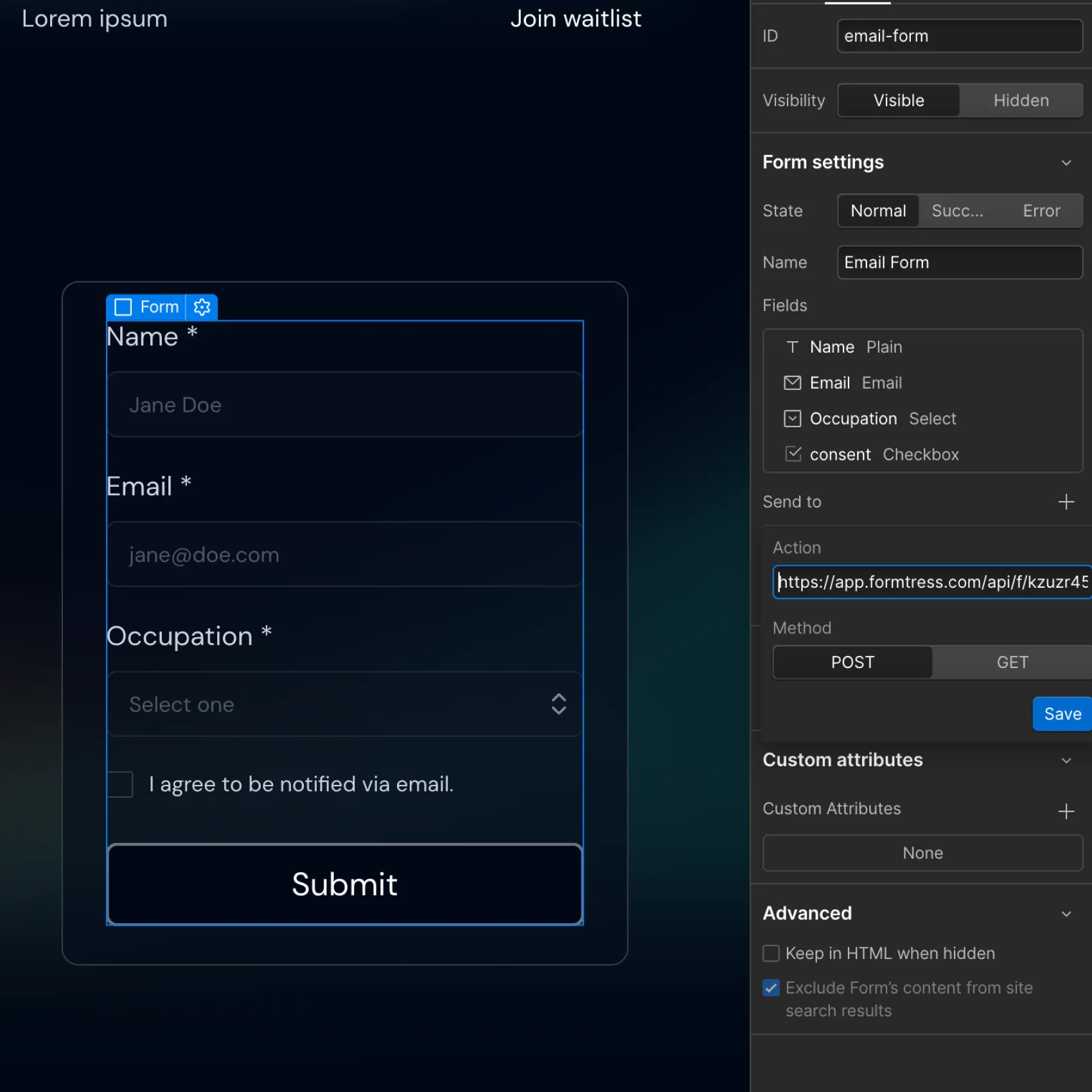
Connect your form
Add the form action and script and you're ready to start receiving submissions! You can then set up automations or other options.
Everything you need to stop spam
Powerful security features that adapt to your needs while remaining easy to implement and manage. No complex setups or technical hurdles.
Stop unwanted submissions with precision control. Take control of what gets through with flexible rule creation. Set precise conditions to automatically filter out unwanted submissions based on your specific needs.
Integrations with HubSpot, Zapier, Make, Mailchimp, webhooks. Connect to your favorite tools and automate your workflow. Send verified submissions directly to your CRM, marketing platform, or custom applications.
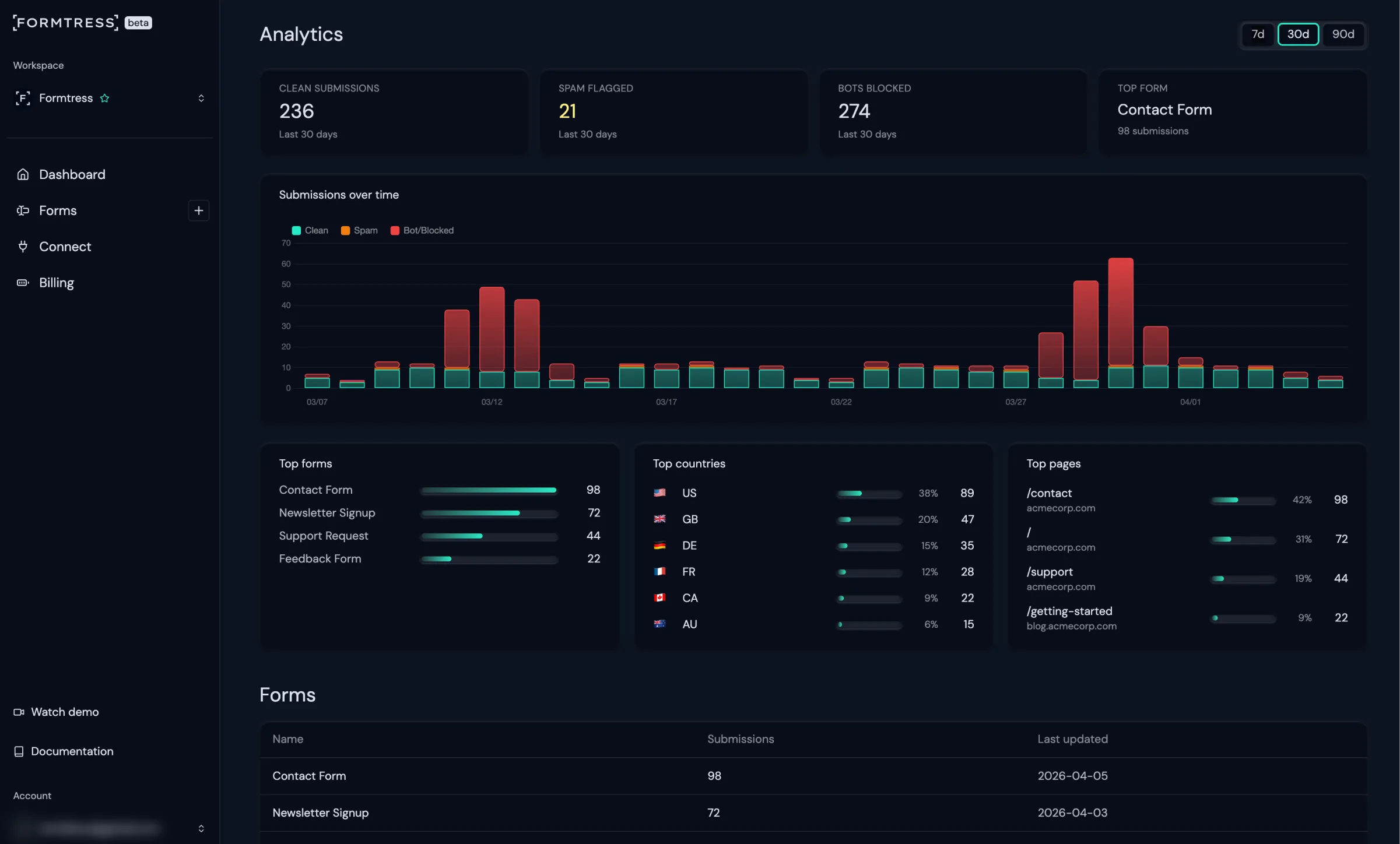
Native private analytics. Get insights from anonymized, GDPR-friendly analytics about your audience's submissions. No personal data can be linked back to specific submissions.
Use your own form or import from Webflow. Create forms in our platform or import from Webflow. Add an action to connect them while preserving your design.
Choose your data retention. Select how long you want to keep your data in Formtress before it is automatically deleted.
Frequently Asked Questions
Will spam submissions be deleted?

Spam submissions are stored for 30 days. During this period, if a submission is mistakenly marked as spam, you can mark it as clean through the dashboard and trigger your usual integrations.
Is my form data secure and private?
Only you (and any team members you explicitly grant access to) can view your form data from the dashboard. We never share or sell your data.
You can also opt to not store your data at all - just directly forward it to your integrations.
Is Formtress GDPR compliant?
Yes. Our database is hosted in the EU, and we adhere to strict data protection regulations to ensure your information is secure.